 |
 |
 |
 |
|
 |
|
 |
|
 |
|
 |
|
 |
|
 |
|
 |
|
 |
|
 |
|
 |
|
 |
|
 |
|


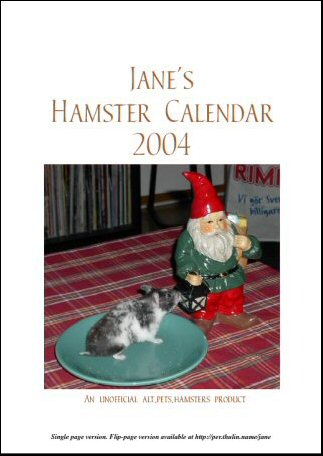
Download The Calendar Here!
The calendar has been designed to print nicely on an A4 or US letter size inkjet or other colour printer. A3 (double size) should also work very well for the most part, although picture quality will degrade in some instances.
To view and print the calendar, you need Adobe Acrobat Reader 4 or later. You can get it for free from Adobe. (It was produced using Acrobat 5.0, and hasn't been tested with Reader 4, but should be "4.0 compatible" according to the settings I used in Acrobat.)
Note: You will probably want to download the file before trying to view it. Just clicking the link will make many browsers try to open it online, and it's BIG. In most browsers, you should be able to right-click the link and "Save link/target as..."
Single Page Version
Download this version if you simply want to print each month on a single page without any hassle. Download: |
Flip-page Version 
Download this version if you want to:
Download: |
Tips
- Remember to select Shrink oversized pages to paper size in Acrobat Reader's print options before printing.
- Always print a couple of trial pages with draft quality settings and on ordinary paper before committing to more expensive paper -- especially while figuring out how to make the flip-page version print correctly double-sided! (Each month's photo page should go on the back of the previous month's date page, and the pages must be oriented so that they form correct picture/date displays for each month.)
- Flip-page version: Rotate the page counter-clockwise in Acrobat Reader's "View" menu, then press Ctrl+L to view the hamsters in full-screen glory!
If you really, REALLY enjoy the calendar, consider putting a few pennies towards food & shelter for homeless animals somewhere next time you get a chance!
Top